
Art Explorer
Explore artwork to inspire your next game.
Research the visual language of your genre, gather references for your team, and see what styles work well for your target audience.
See Pricing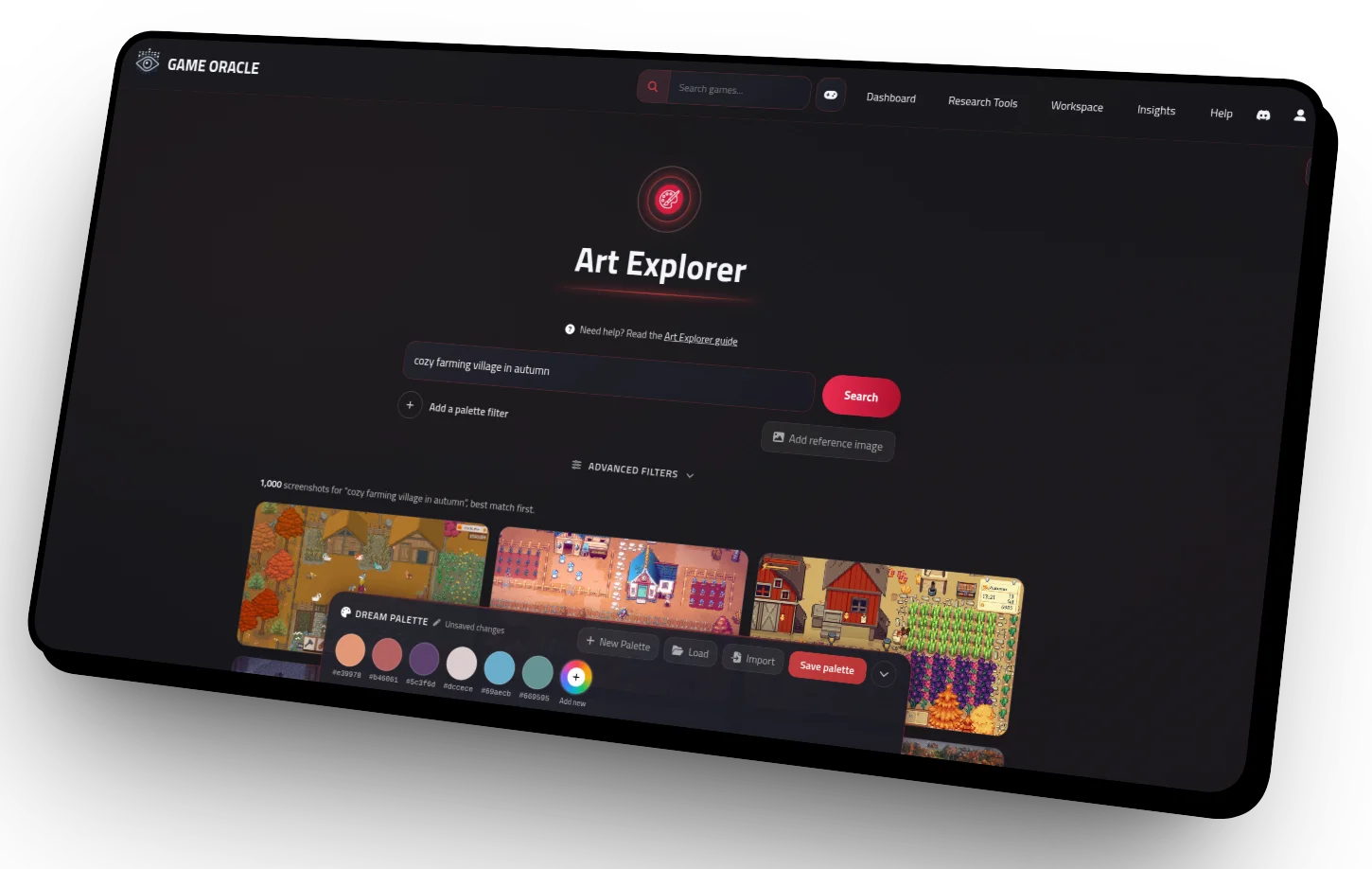
Search Game Art The Way You Think About It
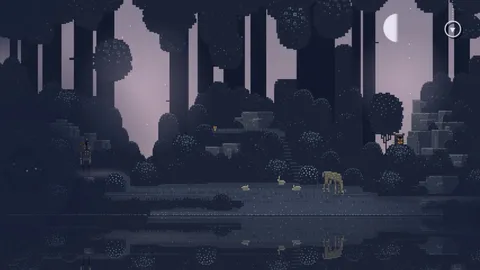
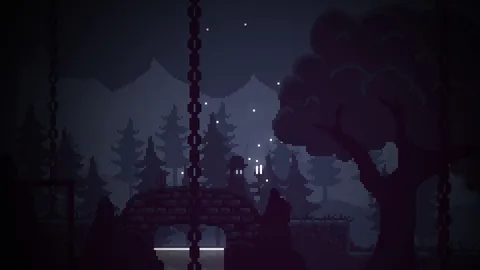
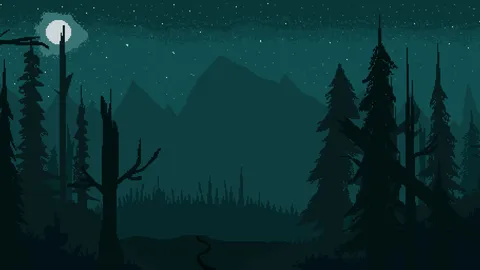
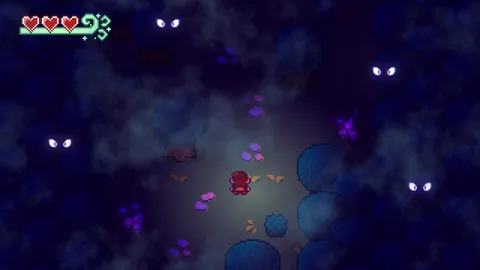
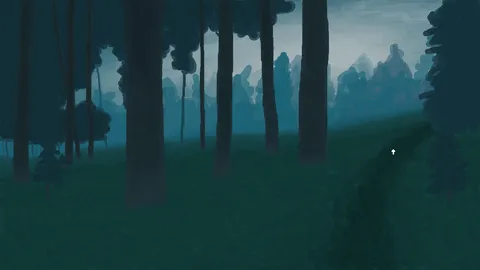
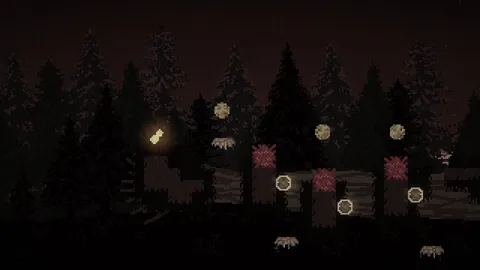
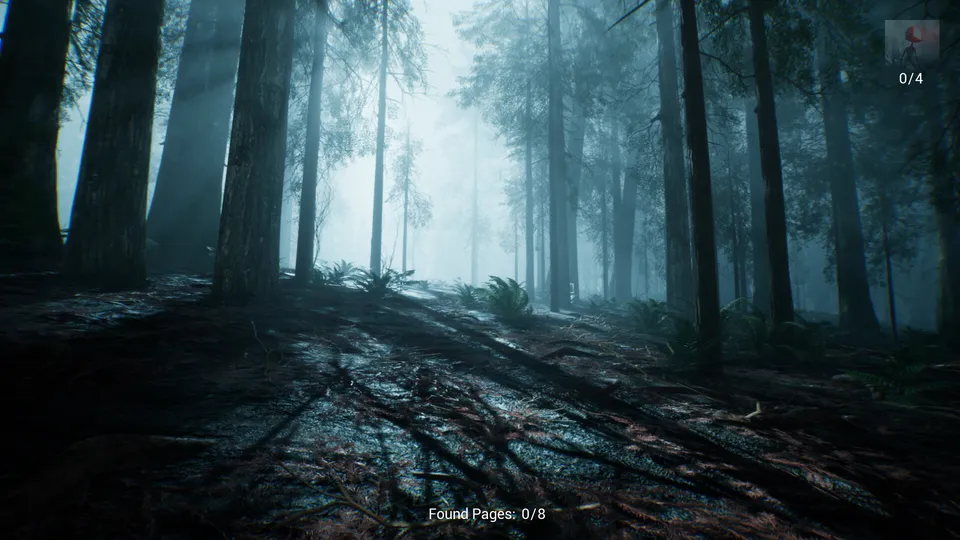
Describe an aesthetic in plain English, e.g. “moody pixel-art forest at night”, and surface screenshots from Steam games that match your description.
Drop in your own concept art or a screenshot you love to find games that look like it, or combine an image with a description to narrow things down.
Every search returns up to 1,000 screenshots, so you can keep scrolling until something sparks an idea.
Build Palettes From What Inspires You
Pick colours straight from any screenshot with the eyedropper, or pull out an image’s main colours in one click.
Import palettes from Lospec or your art tools (GIMP, Aseprite, Photoshop and more), then save them to your account.
Use a palette as a search filter to nudge your results towards games that share its colours.
Pin Notes Where They Matter
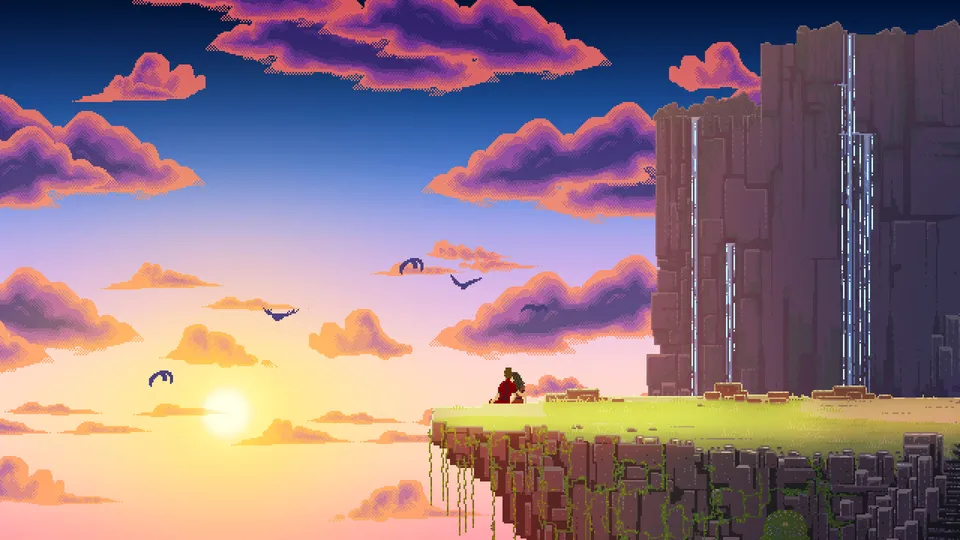
Click anywhere on a screenshot to pin a note: the lighting you want to borrow, a clever bit of UI, a question for your artist.
Notes follow the screenshot across Game Oracle, so you will see them again on the game’s page, in feature reports and in Game Gap.
Collapse, move and edit them as your ideas take shape.
Find the look of your next game
Clip screenshots and palettes to your Scrapbook, then build on them in your Workspace with the rest of your project research. Want the details first? Read the Art Explorer guide.